
Giving Platform Changes 2026
In order to better serve our mission workers and mission partners, we are moving to a new giving platform that will provide better security, less expensive fees, and workflow efficiencies. To sign-up on our new platform, follow these instructions.
1. Go to our Links Giving Portal: https://linksintl.churchcenter.com/giving
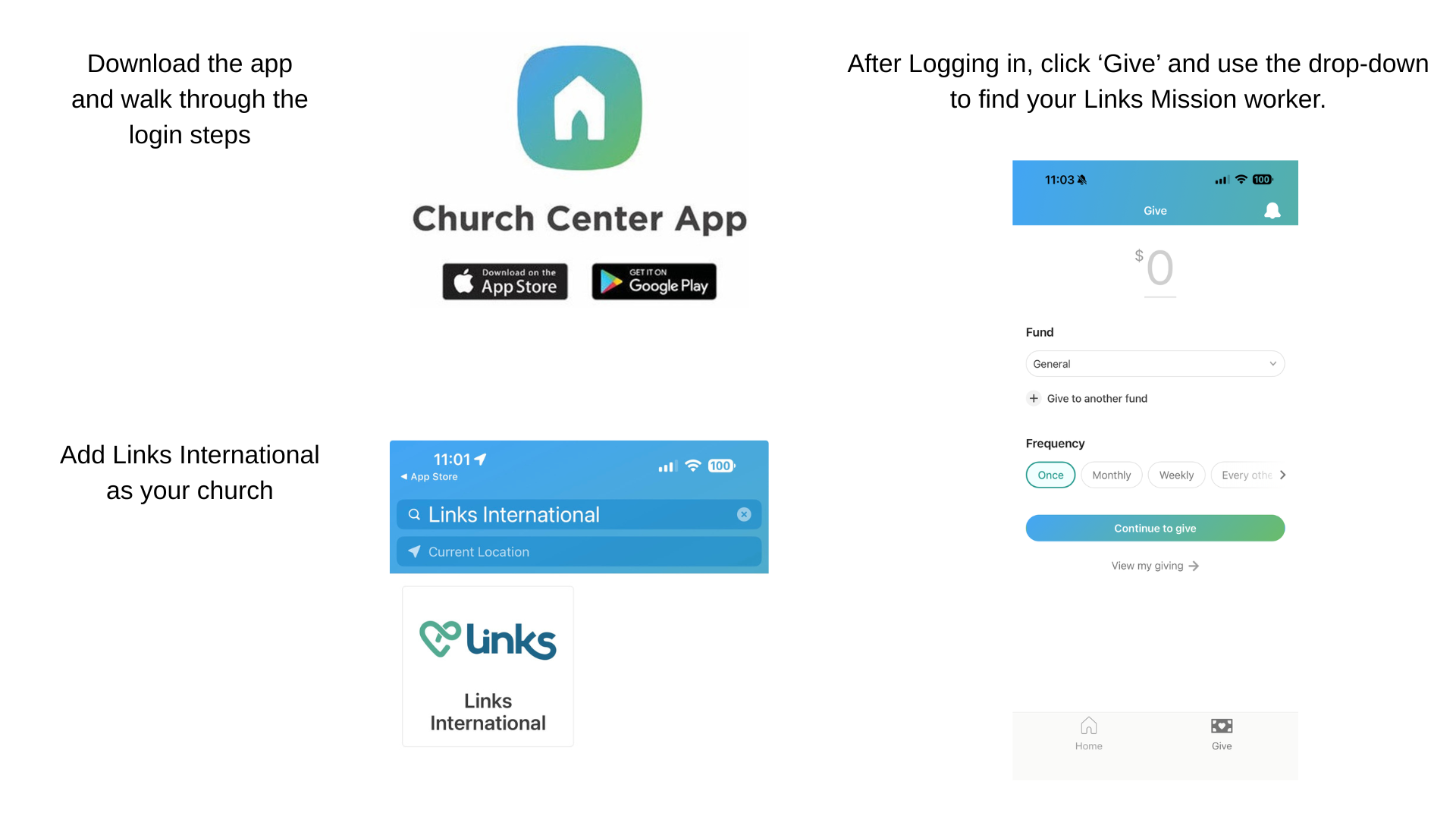
*If you already use Church Center for your home church (and you’re using your phone app), you will need to add “Links International” as additional “church” then you can go straight to the giving link in the app.
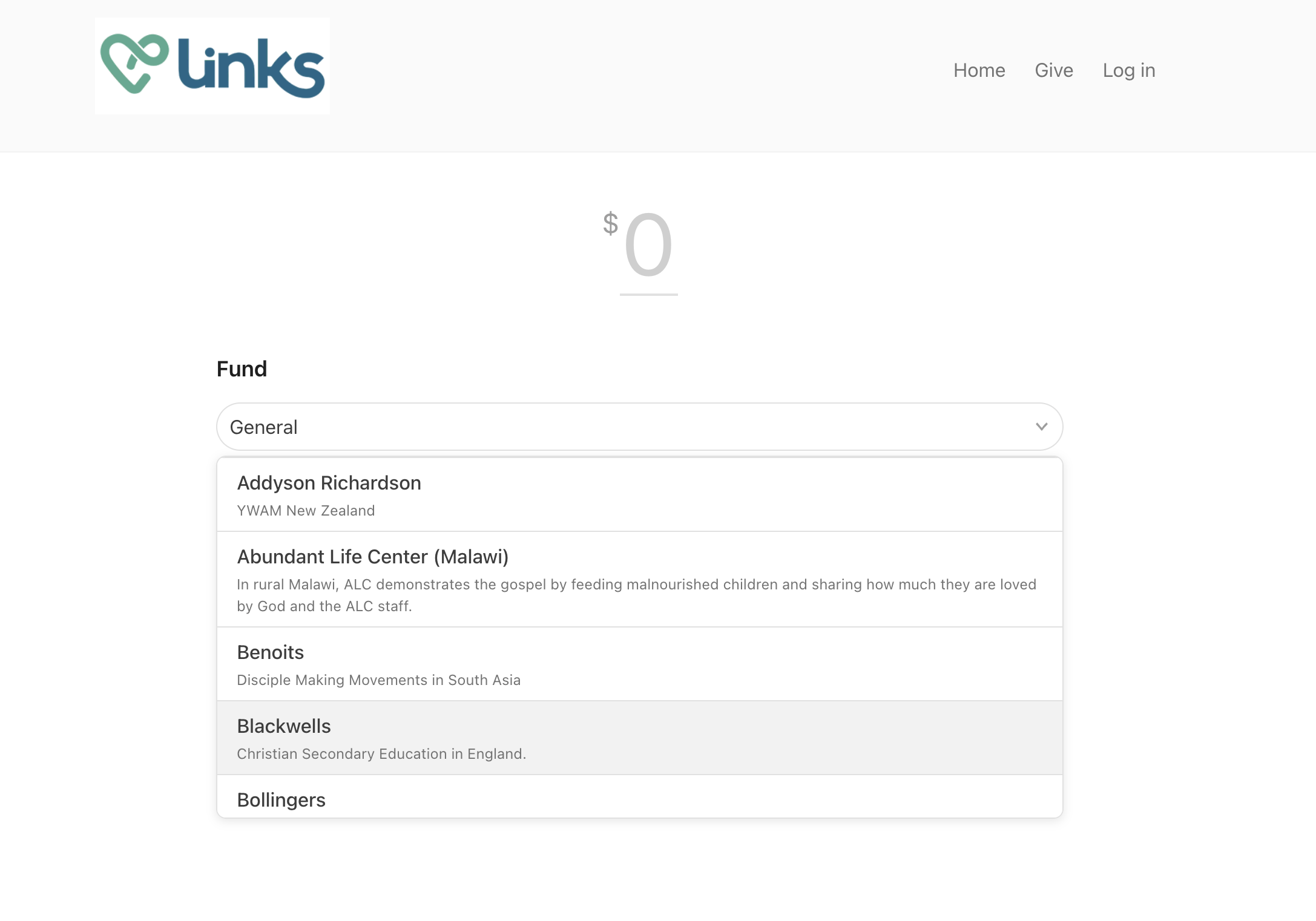
2. Type in the amount you would like to donate. Use the dropdown to select the mission worker or project you would like to support. Choose the frequency (one time, monthly, etc). Then choose “continue to give”.
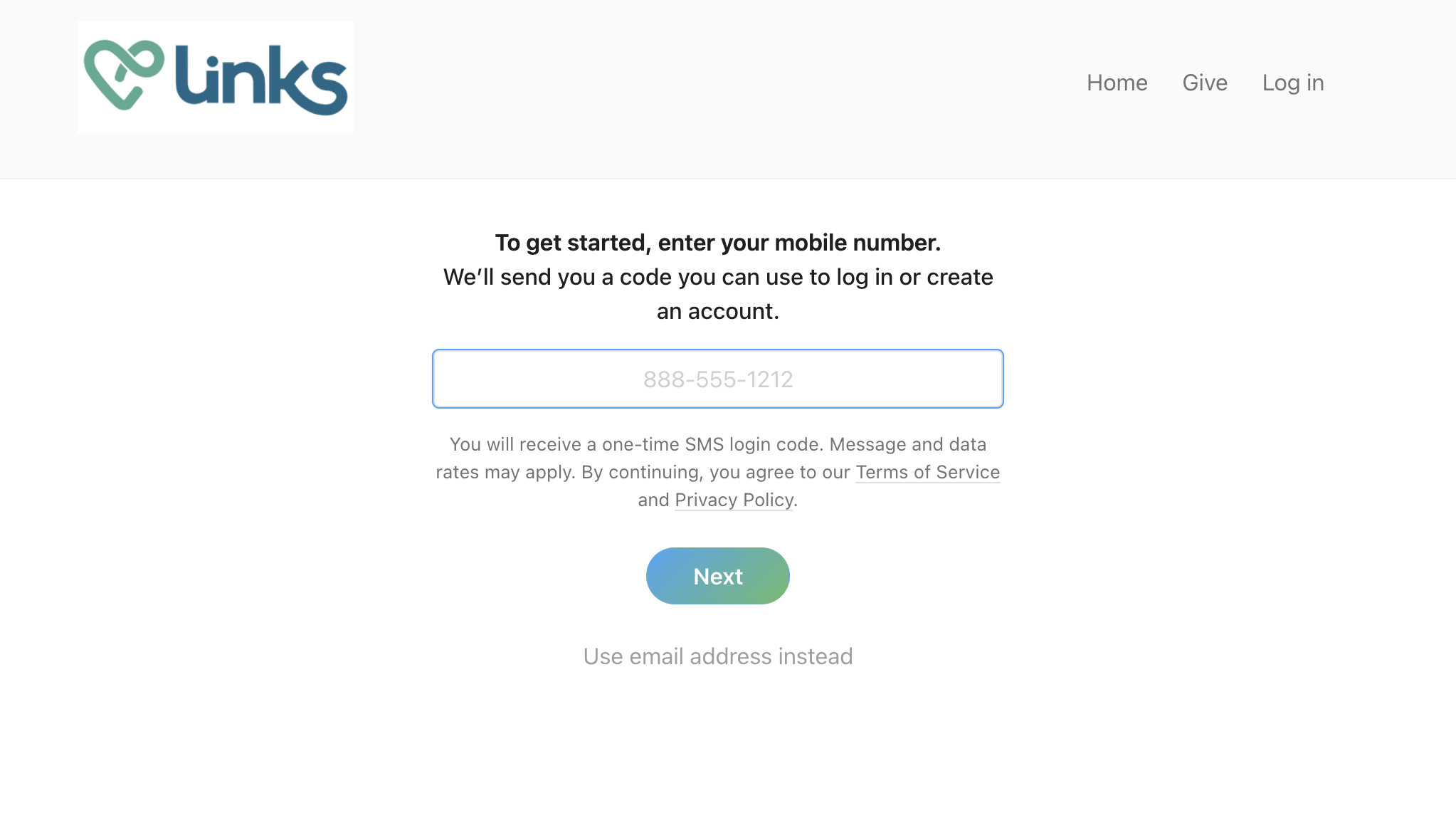
3. Enter your phone # or email for verification. This provides an extra level of security and the ability to access all of your donation history in the future. *This is required.
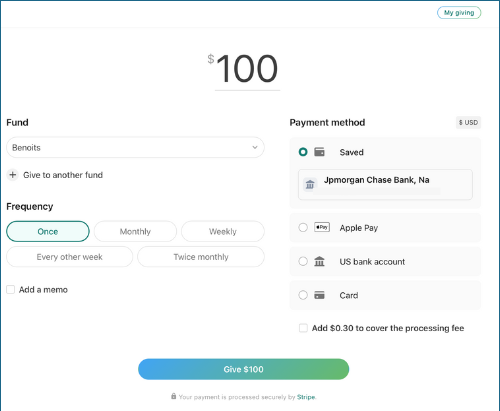
4. Choose your method of payment (bank account giving incurs only $.30/transaction; credit cards incur 2.15% in addition to the $.30). Choose whether or not to cover the processing fee. *optional - add a memo for additional instructions. Then click “Give” and your donation will be completed.
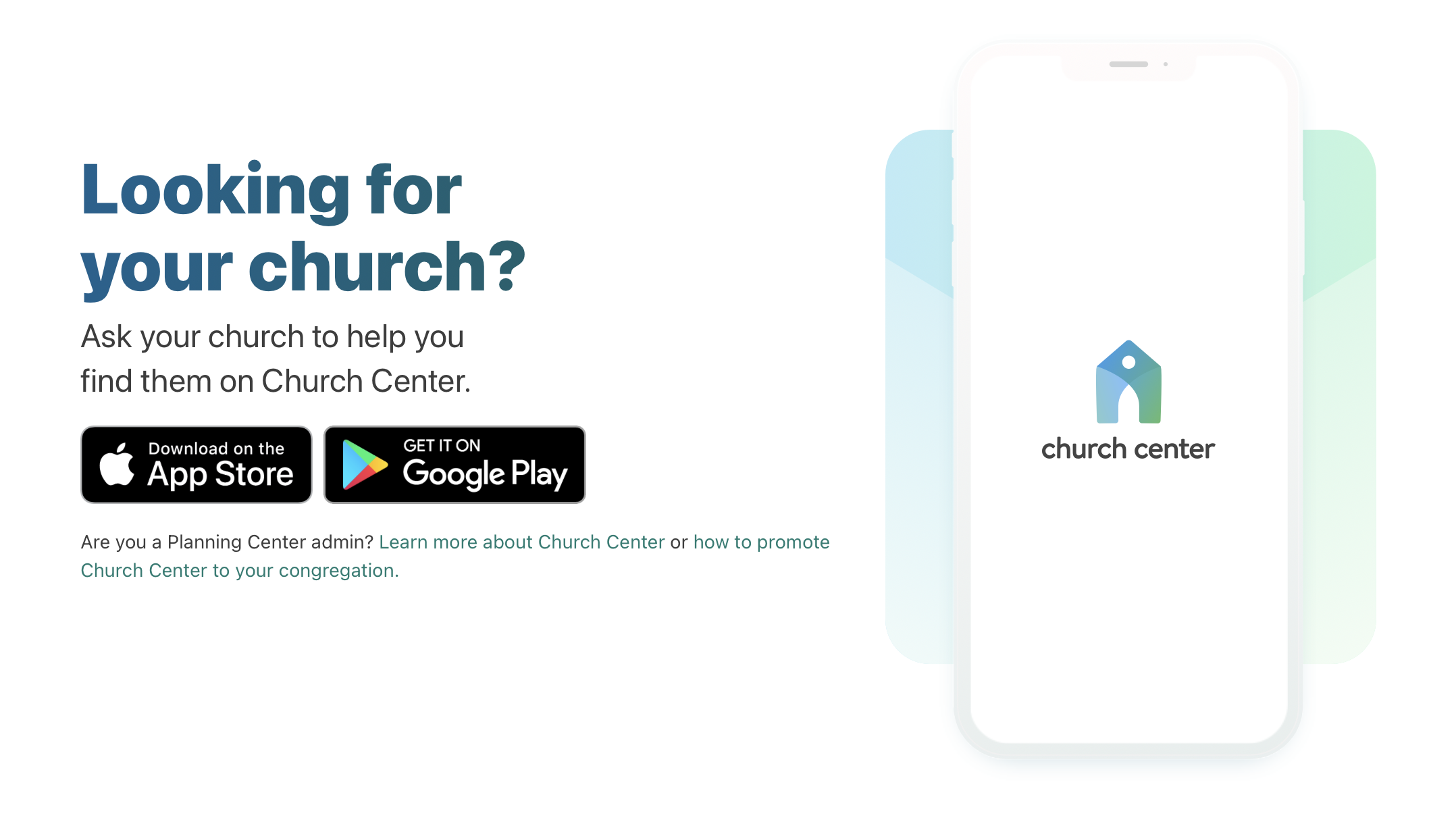
5. If you want to be able to give more quickly or to have access to your giving history, download the “Church Center” app and log in using your phone number or email and search for “Links International” to access the mission worker or project you are looking for.
If you have any trouble setting up your new account, please contact us for help: office@linksintlusa.org or call/text 512.765.4657.